




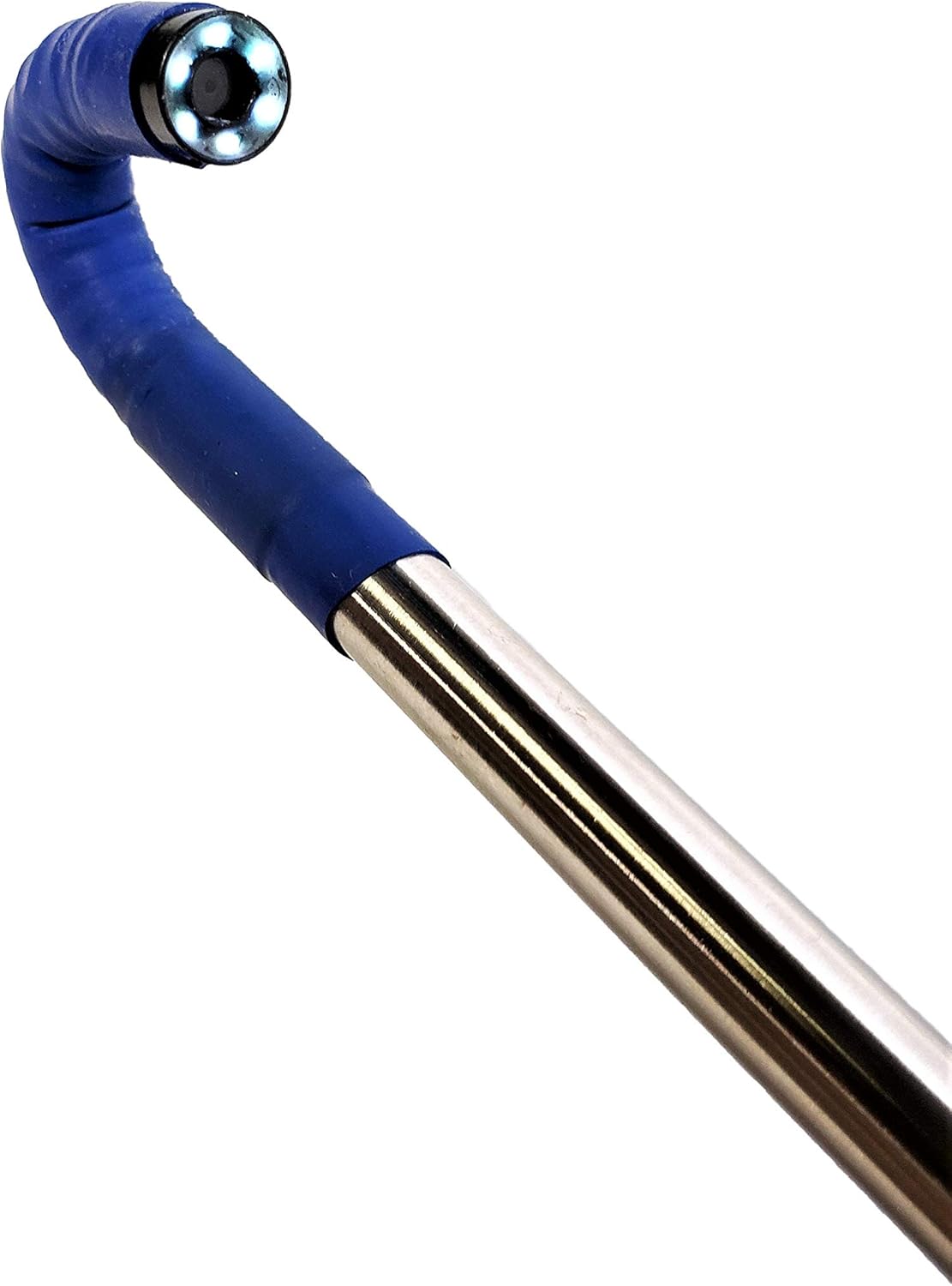


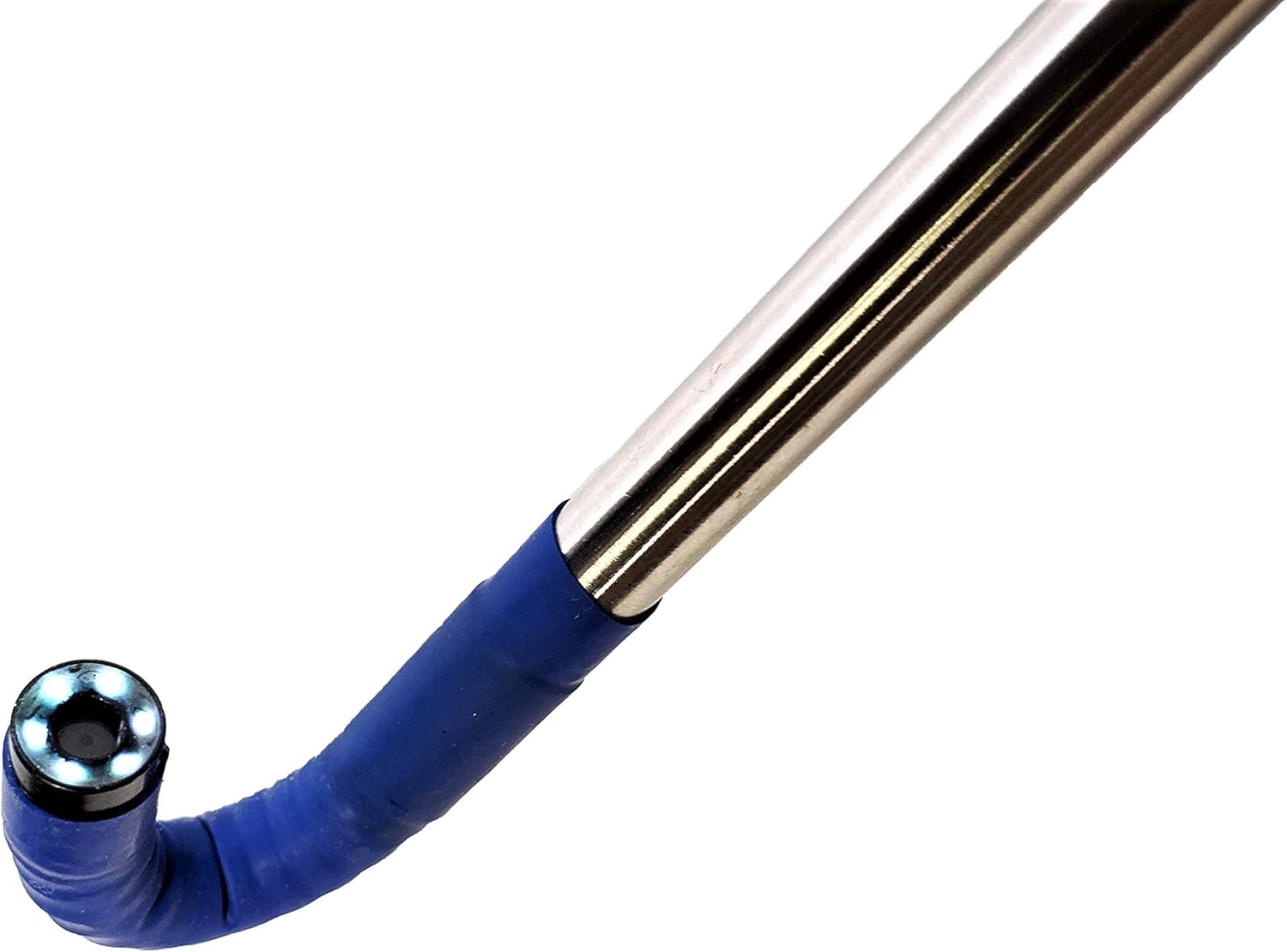

Vividia AbleScope VA-408 USB Rigid Long Articulating Borescope with 180 Degree One-Way Articulation 8.5mm Diameter and 31 Inch Long Probe and 1280x720 Pixel Resolution (VA-408 and WiFi Box)

 4.9 (22 items)
 Limited Time Sale
$263.40 cheaper than the new price!!
Free cash-on-delivery fees for purchases over $99
Product details
| Management number | 211158309 | Release Date | 2026/04/04 | List Price | $175.60 | Model Number | 211158309 | ||
|---|---|---|---|---|---|---|---|---|---|
| Category | |||||||||
Vividia VA-408 USB Rigid One-Way Articulating Borescope Videoscope Inspection Camera is a long version of VA-400 USB one-way articulating rigid straight borescope. The probe tube of VA-400 is 400mm (15.8"), while VA-408 has 800mm (31.5") long probe tube. Features: 180 degree one-way articulation 8.5mm diameter probe 31.5" long rigid 8mm diameter straight stainless steel probe tube USB output to Windows, MacOS, Android devices 6 bright dimmable LED lights High resolution 1280x720 With a wifi conversion box (like W01, W02, W03 or IMB-07), VA-408 can be connected to iPhone iOS tablets Android wirelessly Compatible with M450 USB LCD monitor Tech Specs: Output: USB2.0 Probe camera diameter: 8mm Camera resolution: 1280x720 Focus range: 20mm to 150mm Probe tube length: 800mm (31.5") LED lights: 6 LED lights Articulation of the probe: one-way, max. 180 degree Connection to: Windows 10/8/7/XP, MacOS, Android USB cable length: 2 meter (6 ft) Optional accessories: wifi box to iOS device and Android; USB monitor
- USB connection to a Windows PC, Mac and selective Android phones and tablets
- One direction articulation (bending) from 0 degree to 180 degree; From forward view, side view and back view, all covered
- High resolution 1280x720 with 6 dimmable bright LED lights; Clear images and large focus depth
- 8mm diameter, 80 cm (31") long, rigid stainless steel probe and insertion tube
- Take pictures and record videos on a PC, phone or monitor
| Brand | VIVIDIA |
|---|---|
| Color | black |
| Autofocus | No |
| ISO Range | 100-3200 |
| Zoom Type | Fixed Zoom |
| Focus Type | Fixed Focus |
| Model Name | AbleScope VA 408 |
| File Format | JPEG, RAW |
| Sensor Type | CMOS |
| Camera Flash | Built-In |
| Manufacturer | Vividia Technologies |
| Optical Zoom | 1 x |
| Shooting Modes | Automatic, Manual |
| Viewfinder Type | LCD screen |
| Video Capture Format | JPEG, RAW |
| Exposure Control Type | Manual |
| Water Resistance Level | Not Water Resistant |
| Connectivity Technology | USB |
| Flash Modes Description | On |
| Focal Length Description | 800 millimeters |
| Video Capture Resolution | 720p |
| Wireless Communication Technology | Wi-Fi |
Advent Calendars


Adapters


Correction of product information
If you notice any omissions or errors in the product information on this page, please use the correction request form below.
Correction Request Form